
Genshin Impact File Size by Platform
Discover the essential storage insights for Genshin Impact's expansive world, revealing how its gigabytes vary dramatically across platforms, from mobile's 25-30 GB to PC's 60-70 GB, and why updates and voice packs significantly inflate these figures.
If you're getting ready to install HoYoverse's open-world RPG in 2026, the first thing you probably want to know is simple: how much gigabytes is Genshin Impact on your platform? Right now, the real-world answer sits around 25–30 GB on mobile and anywhere from 60–70 GB or even higher on PC, depending on your voice packs, leftover cache, and how many major patches your install has gone through. With Teyvat continuing to expand through places like Natlan and Illyria, that number keeps creeping up every six weeks. Android, iOS, PC, PS4, and PS5 all handle storage a bit differently, so it helps to know what you're walking into before you hit download.
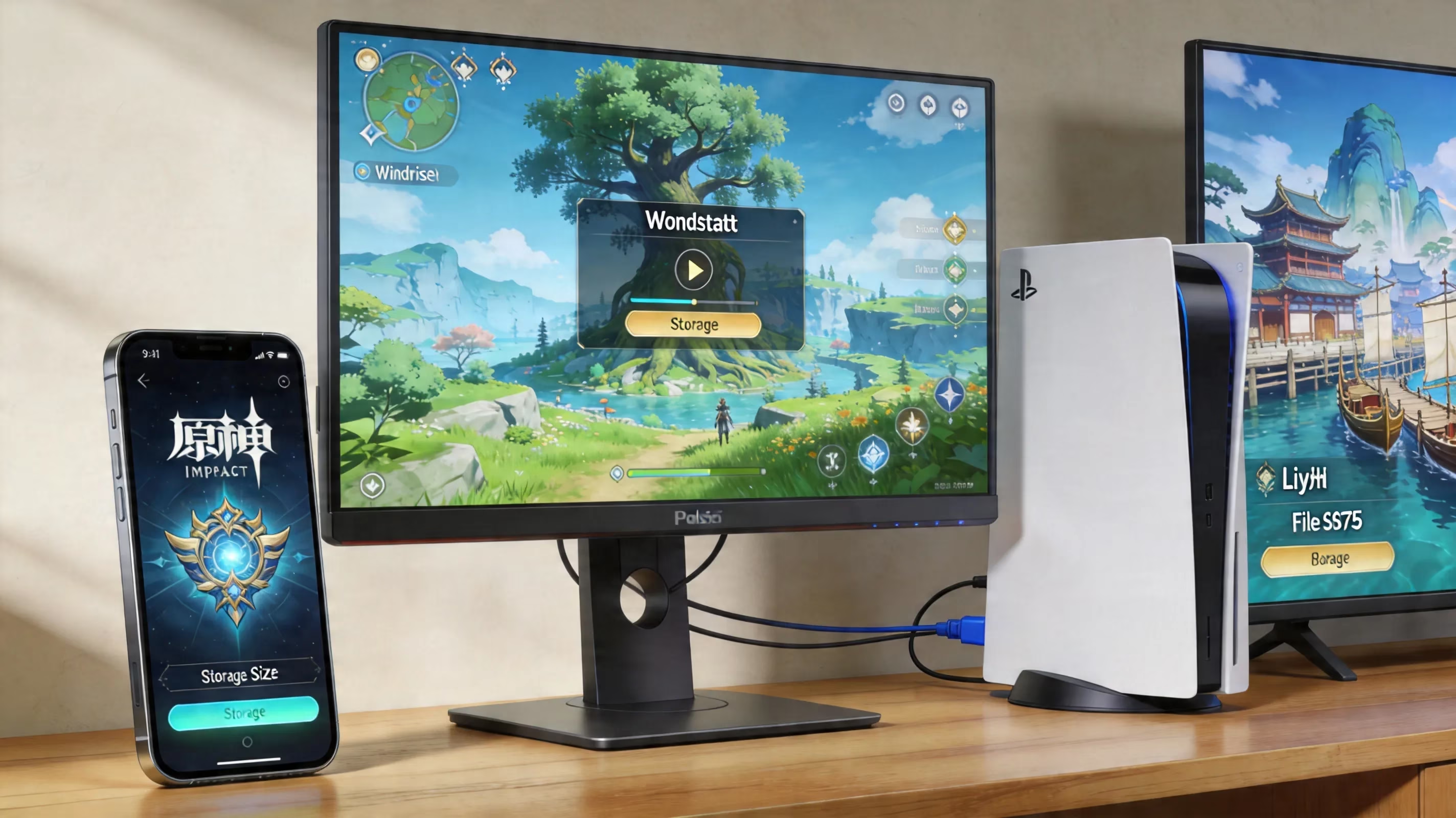
How Much Gigabytes Is Genshin Impact by Platform
Genshin Impact's size changes a lot based on platform, visual settings, and how many voice-over packs you keep installed. Here are the typical figures players are actually seeing in mid-2026 after several post-Natlan updates:
| Platform | Initial Download | Installed Size (Current) | Notes |
|---|---|---|---|
| Android | 10–12 GB | 25–30 GB | OBB files + voice pack + texture cache |
| iPhone / iPad | 11–14 GB | 28–32 GB | App bundle + shader cache + iCloud overhead |
| PC (Medium settings) | 35 GB | 55–65 GB | StreamingAssets, audio, update temp files |
| PC (Ultra / 4K) | 35 GB | 65–75 GB | High-res texture packs, cinematic data |
| PS4 | 30 GB | 45–55 GB | HD assets, dual-audio tracks |
| PS5 | 30 GB | 50–60 GB | Optimized assets, system-level caching |
On mobile, the size listed in the App Store or Google Play can be a little misleading. It often shows under 15 GB, but that's only the first part of the install, since the HoYoverse client grabs the rest of the asset bundles the first time you launch the game. A lot of new players get caught by that.
PC is a bit more straightforward. The HoYoverse launcher downloads most of the core data upfront, so the gap between the download size and the final installed size is smaller, but the overall footprint is still the biggest of the bunch.
Genshin Impact Storage Size After Updates
Every major Genshin Impact patch adds more storage pressure, and that matters way more than people expect. A normal update with a new banner cycle and event content usually adds around 2–4 GB. A full region-level patch, though, can jump by 10–16 GB in one go, especially when it includes a new nation, fresh overworld content, questlines, and music.
What really trips people up is preload space. Before the patch fully applies, the launcher or mobile client often needs roughly double the patch size available as free space, because the old files and new files exist side by side until the update finishes. If your device is already close to full, that's where installs start failing.
Voice packs are another huge factor. Genshin now supports full voice acting in Chinese, Japanese, English, Korean, and Spanish across major story content, and each pack takes about 3–5 GB. So if you keep all five installed, you're looking at 15–25 GB in audio alone. On PC especially, this is one of the easiest ways to cut down the game's total size.
Then there's the quiet storage creep from cache and temporary files. On PC, the shader cache in AppData\Local\GenshinImpact\shader_cache can grow past 3–5 GB after several update cycles if you never clean it out. Temporary decompressed files inside the Temp folder under StreamingAssets can also stick around longer than they should. Mobile isn't immune either, since rendered texture fragments and event leftovers can pile up after limited-time content rotates out.
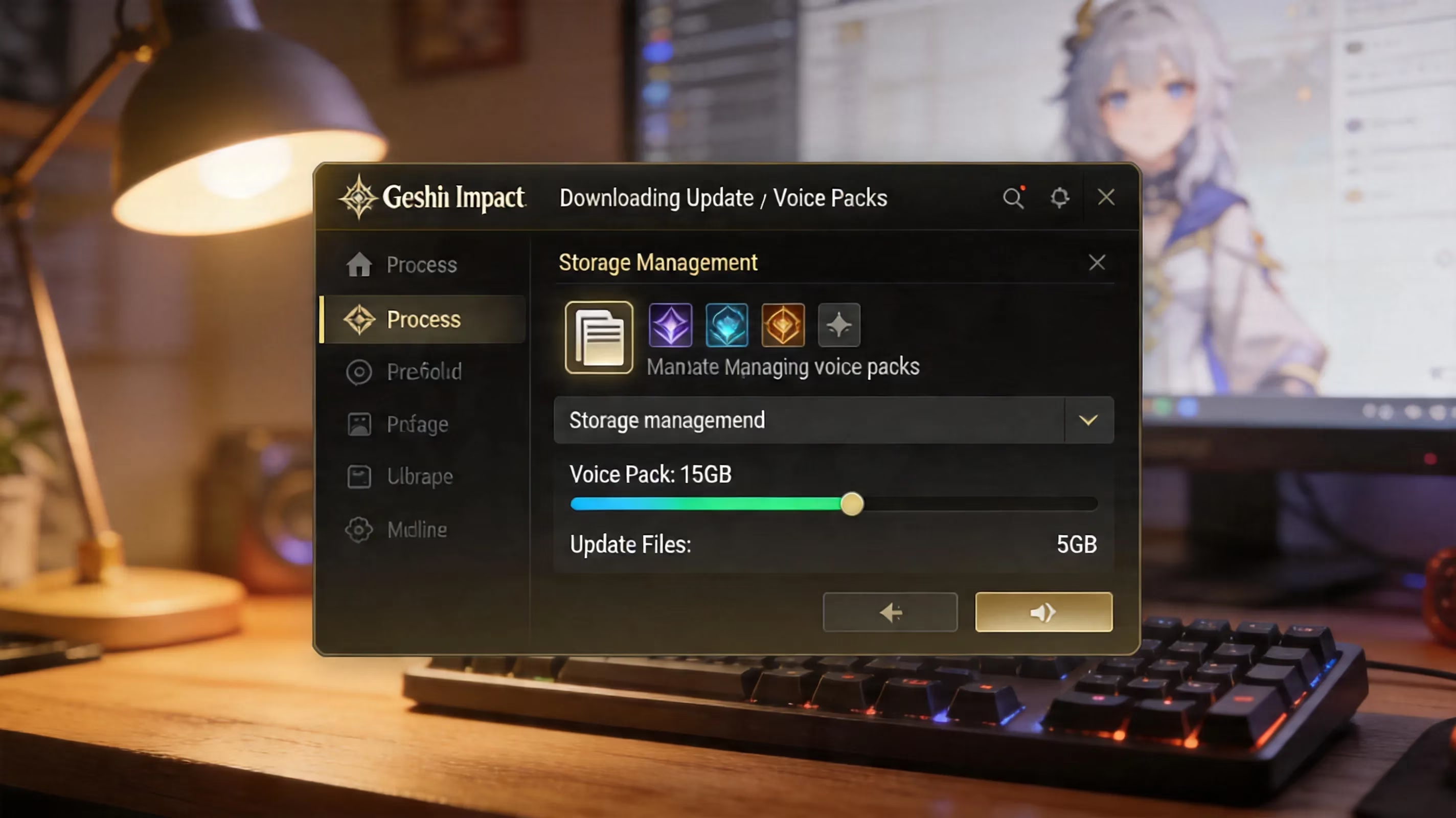
Why Genshin Impact Takes So Many GB
The reason Genshin Impact eats so much storage isn't just sloppy optimization. A lot of it comes from how the game is built. This is a cross-platform, console-style open-world RPG, and HoYoverse has to make it run across phones, PCs, and consoles without relying too heavily on platform-specific streaming tricks.
Here's where the storage usually goes:
| Component | Estimated Size | Description |
|---|---|---|
| Textures and 3D Models | 14–18 GB | High-resolution character skins, weapon meshes, environmental terrain |
| Audio Files (All Languages) | 15–25 GB | Full voice acting in five languages, orchestral region soundtracks |
| Animation Data | 6–8 GB | Combat combos, elemental burst sequences, NPC idle cycles |
| Open-World Map Data | 12–15 GB | Streaming terrain meshes, collision maps, interactive object placement |
| Game Logic and Quest Scripts | 3–5 GB | AI behaviors, puzzle triggers, cutscene orchestration |
| Cache and Temporary Files | 5–10 GB | Update remnants, shader binaries, decompressed asset fragments |
Because Genshin is an open-world game, it has to keep a lot of map data stored locally instead of pulling everything from the network on demand. Every new region adds more terrain, more objects, more quests, and more environmental assets that stay on your device. From Mondstadt all the way to Natlan, the world keeps expanding, and that expansion is mostly additive.
Voice data makes the problem even bigger. Since the game supports instant language switching, each installed dubbing track has to stay fully available on your system. HoYoverse also rarely strips out older core assets, so the install tends to grow over time instead of cycling old content away.
Genshin Impact Storage Space You Actually Need
Knowing the install size is useful, but the more important number is how much free space you should leave available. For PC, a safe rule is to keep at least 20 GB more than the current installed size open. That extra room covers patch staging, temporary overlap, and shader recompilation. On mobile, you really want a 10–15 GB buffer before any major numbered update.
If you're playing on Android and storage is tight, 128 GB total device storage is honestly the practical minimum for a comfortable long-term setup. Yes, a 64 GB phone can run the game, but you'll probably end up deleting apps, media, or old files before nearly every patch. That gets old fast.
On iPhone and iPad, iCloud Photo Library offloading and Apple's app-thinning features can free up some room around the edges, but they won't shrink Genshin's core game files in any meaningful way. The game data itself is still the main problem.
For PC installs, SSD beats HDD by a mile. Genshin Impact streams world assets constantly, and that kind of workload is just way smoother on solid-state storage. If you're dealing with stutter, texture pop-in, or slow loading between regions, checking whether the game is sitting on an HDD is one of the first things you should do.
If your hardware simply doesn't have enough room, cloud gaming is a real fallback. Services like Nvidia GeForce Now and Xbox Cloud Gaming let you play Genshin Impact without using local storage at all, with streams reaching up to 1440p from remote servers.

How to Reduce Genshin Impact GB on Mobile and PC
Mobile cleanup
The first thing you should do on mobile is remove voice packs you never use. Inside the game, go to Settings → Audio → Voice Language, then open Manage Downloaded Voices. That menu shows each installed language and how much space it's taking, and deleting two or three unused packs can free up 6–12 GB pretty much immediately.
Clearing cache is also worth doing after major updates. On Android, you can get there through Settings → Apps → Genshin Impact → Storage → Clear Cache. On iOS, the cleaner option is usually Offload App under iPhone Storage, which removes temporary and cached data while keeping the app's documents intact. Before doing any cleanup, make sure your HoYoverse account is linked to email or social login, because you do not want to rely on local fragments alone.
If the install has been around for several major versions, a full reinstall is often the best fix. Reinstalling through the official App Store or Google Play wipes out orphaned patch leftovers, outdated event files, and other junk that builds up over time. In a lot of cases, the fresh install ends up noticeably smaller than the old one.
PC cleanup
On PC, start by checking the StreamingAssets\Temp folder inside your Genshin Impact install directory. If you see files tied to version numbers older than the current patch, they're generally safe to remove as long as the game isn't running. The shader cache in AppData\Local\GenshinImpact\shader_cache can be cleared too, and the game will rebuild it next launch. The only real downside is a short period of extra loading or shader compilation afterward.
It's also smart to review your audio settings in the HoYoverse launcher every now and then. Keeping just one voice pack installed — the one you actually play with — removes one of the biggest avoidable sources of storage bloat on PC. After deleting extra language packs, running the launcher's file integrity check is a good idea just to confirm everything important is still in place.
Genshin Impact Storage FAQ
Why does the game's size keep growing?
Because Genshin Impact uses an additive live-service model. New regions, story content, seasonal assets, characters, and language data keep getting layered on top, and very little of that gets removed later.
Can an SD card work for Genshin Impact on Android?
Some Android devices technically allow apps to move onto adoptable external storage, but performance usually takes a hit. Read latency from an SD card can cause stutter during combat and area transitions, so internal storage is still the recommended option.
Does clearing cache help free up space?
Yes, but only to a point. It can remove temporary render files, patch leftovers, and compiled shader data, often giving back 1–5 GB after multiple updates. What it won't do is shrink the base install itself.
What is the minimum recommended device storage?
For mobile, 128 GB total storage is the comfortable baseline. For PC, having at least 100 GB on a dedicated drive partition gives the game enough room to update without constant low-space warnings. On PS4 and PS5, budgeting 60–70 GB is the safer long-term play.
Conclusion
So, if you're asking how much gigabytes is Genshin Impact in 2026, the quick breakdown is this: mobile usually lands around 25–32 GB, PlayStation sits closer to 50–60 GB, and PC can range from 55–75 GB depending on settings and voice packs. The installed size matters, sure, but the number you really need to watch is your free-space buffer before the next patch hits — at least 10–15 GB on mobile and 20 GB on PC is the sweet spot.
The best long-term setup is pretty straightforward: plenty of internal storage on mobile, a dedicated SSD partition on PC, only one voice pack installed, and a quick cleanup routine after major updates. If your device still can't handle that, cloud gaming is a perfectly valid workaround. Once you know what Genshin actually demands in storage, keeping your trip through Teyvat smooth gets a whole lot easier.
Comments (0)